MasterStudy LMS에서 코스를 완료한 사용자를 AirTable에 자동으로 등록하는 방법
WordPress 사이트에서 MasterStudy LMS의 코스를 완료한 사용자가 발생할 때마다, 사용자와 코스에 관한 커스텀 데이터를 AirTable로 전송하고 지정된 테이블에 레코드를 생성합니다.




인테그레이션
MasterStudy LMS 의 코스를 사용자가 완료할 때마다, 커스텀 데이터를 AirTable로 전송하고 지정된 테이블에 레코드를 생성합니다.
이 동영상에서는 사용자가 LMS 코스에서 두 개의 레슨을 완료하는 과정을 확인할 수 있습니다. 코스의 마지막 레슨이 완료되면, Gato GraphQL 자동화가 필요한 데이터와 함께 AirTable 에 레코드를 생성합니다.
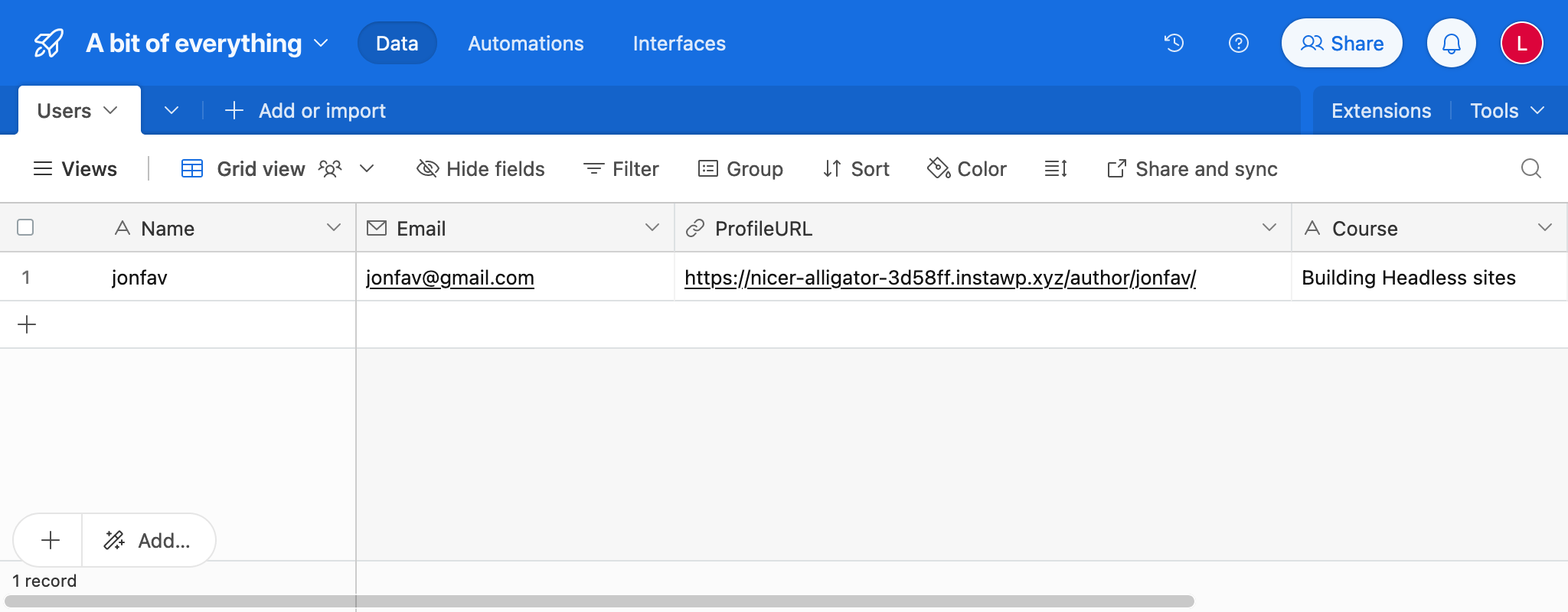
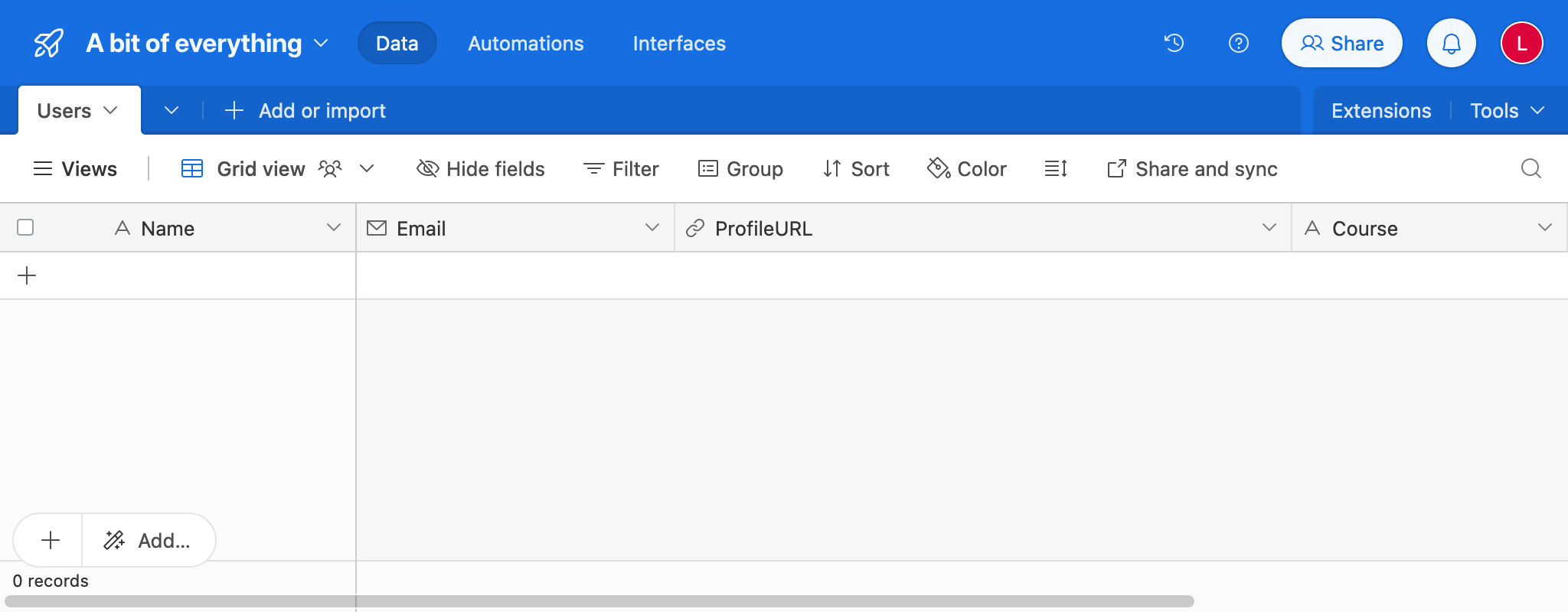
테이블에는 사용자 데이터로 Name, ProfileURL, Email 열이 있으며, LMS에서 가져온 Course 열이 있습니다.
다음 GraphQL 쿼리를 포함하는 퍼시스티드 쿼리를 생성하고, 제목을 Export MasterStudy LMS course data to AirTable 로 설정하세요.
query IsCourseFinished(
$courseProgress: Int!
) {
isCourseFinished: _equals(value1: $courseProgress, value2: 100)
@export(as: "isCourseFinished")
}
query ExportUserData(
$courseId: ID!
$userId: ID!
)
@depends(on: "IsCourseFinished")
@include(if: $isCourseFinished)
{
user(by: { id: $userId }) {
displayName
@export(as: "userDisplayName")
email
@export(as: "userEmail")
url
@export(as: "userURL")
}
course: customPost(by: {id: $courseId}, customPostTypes:["stm-courses"]) {
title
@export(as: "courseTitle")
}
}
query CreateRecordInAirTable(
$baseId: String!
$tableName: String!
$personalAccessToken: String!
)
@depends(on: "ExportUserData")
@include(if: $isCourseFinished)
{
url: _sprintf(
string: "https://api.airtable.com/v0/%s/%s",
values: [$baseId, $tableName]
)
bearerToken: _sprintf(
string: "Bearer %s",
values: [$personalAccessToken]
)
@remove
response: _sendJSONObjectItemHTTPRequest(input: {
url: $__url,
method: POST,
options: {
headers: [
{
name: "Authorization",
value: $__bearerToken
}
]
json: {
records: [
{
fields: {
Name: $userDisplayName,
ProfileURL: $userURL,
Email: $userEmail,
Course: $courseTitle
}
}
]
}
}
})
}쿼리 IsCourseFinished 가 코스 진행률이 100(즉, 코스가 완료됨)인지 확인하고, 그 경우에만 AirTable로의 데이터 동기화를 실행하는 점에 주목하세요.
퍼시스티드 쿼리는 MasterStudy LMS의 액션 훅 stm_lms_progress_updated(아래 참조)로부터 파라미터를 받아 다음 데이터를 가져옵니다.
- 사용자의 이름, 이메일 주소, URL
- 코스의 제목
그런 다음 AirTable API 에 연결하여, 제공된 데이터로 레코드를 생성합니다.
API에 연결하려면 인증을 위한 개인 액세스 토큰이 필요합니다. 테이블용 개인 액세스 토큰을 생성하고, 스코프 data.records:write 를 할당해 주세요.
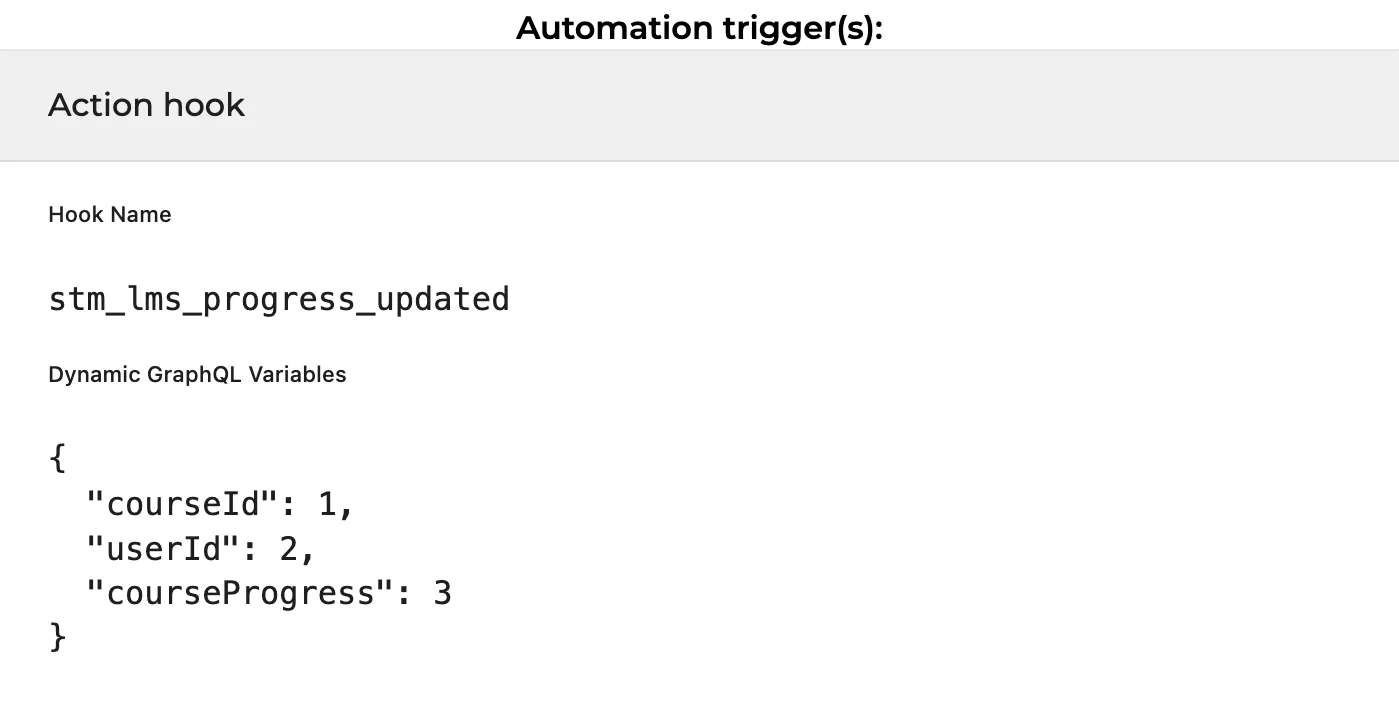
다음으로, 새 자동화를 생성하고 MasterStudy의 액션 stm_lms_progress_updated 를 트리거로 설정합니다.
이 액션 훅은 다음 데이터를 제공합니다.
do_action( 'stm_lms_progress_updated', $course_id, $user_id, $progress );또한, 동적 변수용 JSON 딕셔너리도 지정해야 합니다. 액션의 세 파라미터를 GraphQL 쿼리의 변수로 전달하기 위해서입니다.
{
"courseId": 1,
"userId": 2,
"courseProgress": 3
}
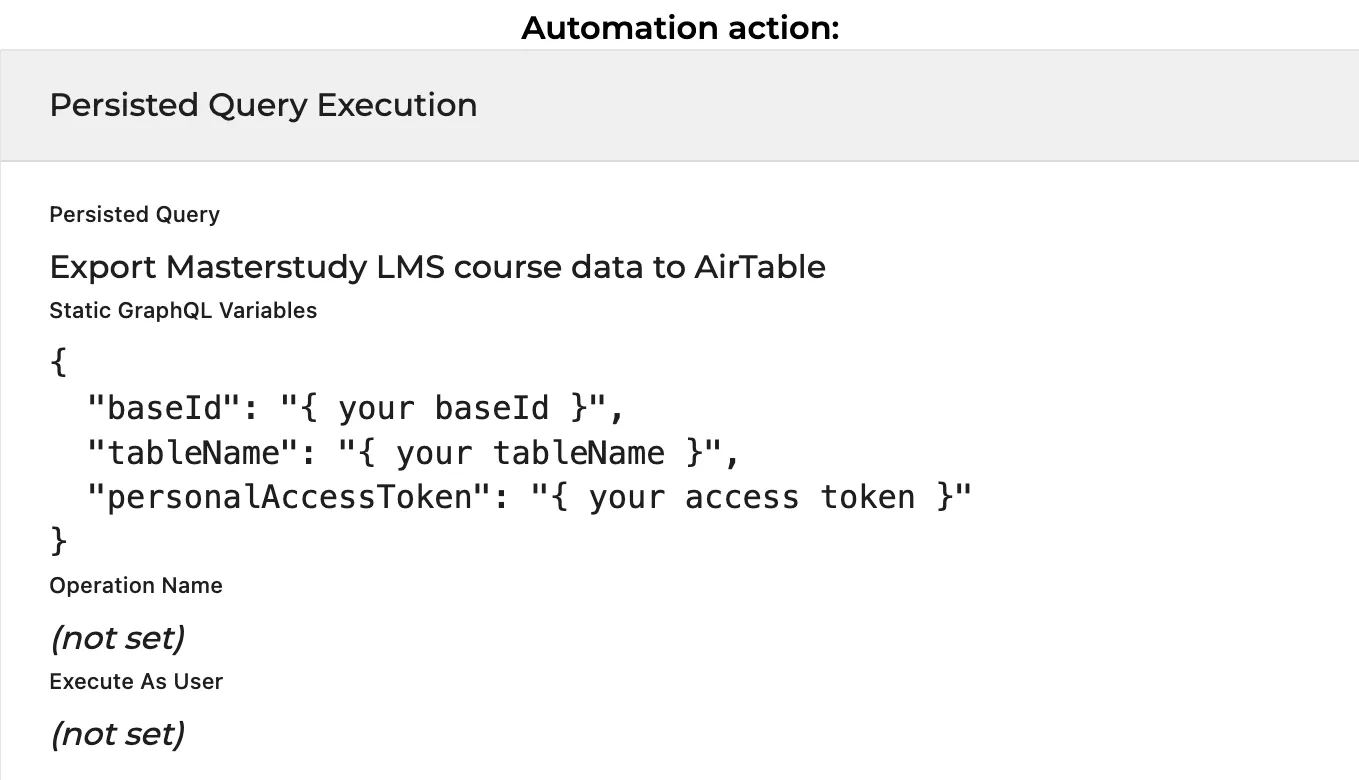
액션으로는 새로 생성한 퍼시스티드 쿼리 Export MasterStudy LMS course data to AirTable 를 선택하고, AirTable 데이터가 포함된 정적 GraphQL 변수의 JSON 딕셔너리를 지정합니다.
{
"baseId": "{ your baseId }",
"tableName": "{ your tableName }",
"personalAccessToken": "{ your access token }"
}
마지막으로 자동화를 게시하세요. 이후부터는 사용자가 코스를 완료할 때마다 AirTable 테이블이 자동으로 업데이트됩니다. 위의 동영상에서 확인할 수 있는 결과가 나타납니다.